
Why Businesses Are Ditching Manual Document Workflows in 2026
Manual document processing costs companies thousands of hours every year. Here's how AI-powered automation is changing the game — and what to look for in a modern platform.

Founder & CEO
Software engineer and entrepreneur with 10+ years building B2B SaaS products. Founded Formalingo to eliminate manual document workflows with AI.
According to the McKinsey Global Institute, knowledge workers spend approximately 28% of their workweek on email management alone, with additional time spent on document processing and internal information search. When you add document handling to the mix, the total time lost to administrative communication is staggering.
If that number made you wince, you're not alone. In 2026, the question isn't whether to automate your document workflows — it's how fast you can do it.
The Hidden Costs of Manual Document Processing
Most businesses understand that manual processes are slow. What they underestimate is how deeply the inefficiency compounds across every layer of the organization.
The Error Multiplier Effect
When a contract field is filled in by hand, there's a roughly 4% chance of a data entry error on any given form. That sounds small — until you realize that a single misplaced comma in a lease agreement can delay a closing by weeks, or that an incorrect date on an HR onboarding form can trigger a payroll compliance audit.
Errors don't just cost time to fix. They erode trust. A client who receives a contract with their name misspelled isn't thinking about your company's efficiency — they're wondering whether they should trust you with their business.
The Compliance Trap
Regulated industries — legal, finance, healthcare, real estate — face an even steeper penalty. Manual workflows create audit trails full of gaps. When regulators ask "who signed this, when, and did they receive the current version?" the answer from a manual process is often an embarrassed silence followed by a frantic search through email threads.
The average cost of a compliance violation for a mid-sized firm now exceeds $4 million when you factor in remediation, legal fees, and reputational damage. That's not a risk worth taking to save on software subscriptions.
The Bottleneck Problem
In traditional document workflows, every form passes through a human hand at every step. Person A fills it out. Person B reviews it. Person C approves it. Person D archives it. Each handoff introduces latency — and latency kills deals.
A sales team that can turn around a contract in 2 hours has a measurable competitive advantage over one that takes 3 days. Response time is often the deciding factor in competitive B2B sales, yet most businesses accept slow document turnaround as an immutable cost of doing business.
How AI Is Rewriting the Rules
The shift happening right now isn't incremental — it's a genuine step change in what's possible. AI doesn't just speed up existing workflows; it eliminates entire categories of manual work.
Intelligent Field Detection
The most tedious part of setting up a digital form has always been identifying and tagging fields. Is this blank line a name field? A date? A dollar amount? Traditionally, someone had to read every document and manually configure each field — a process that could take hours for a complex contract.
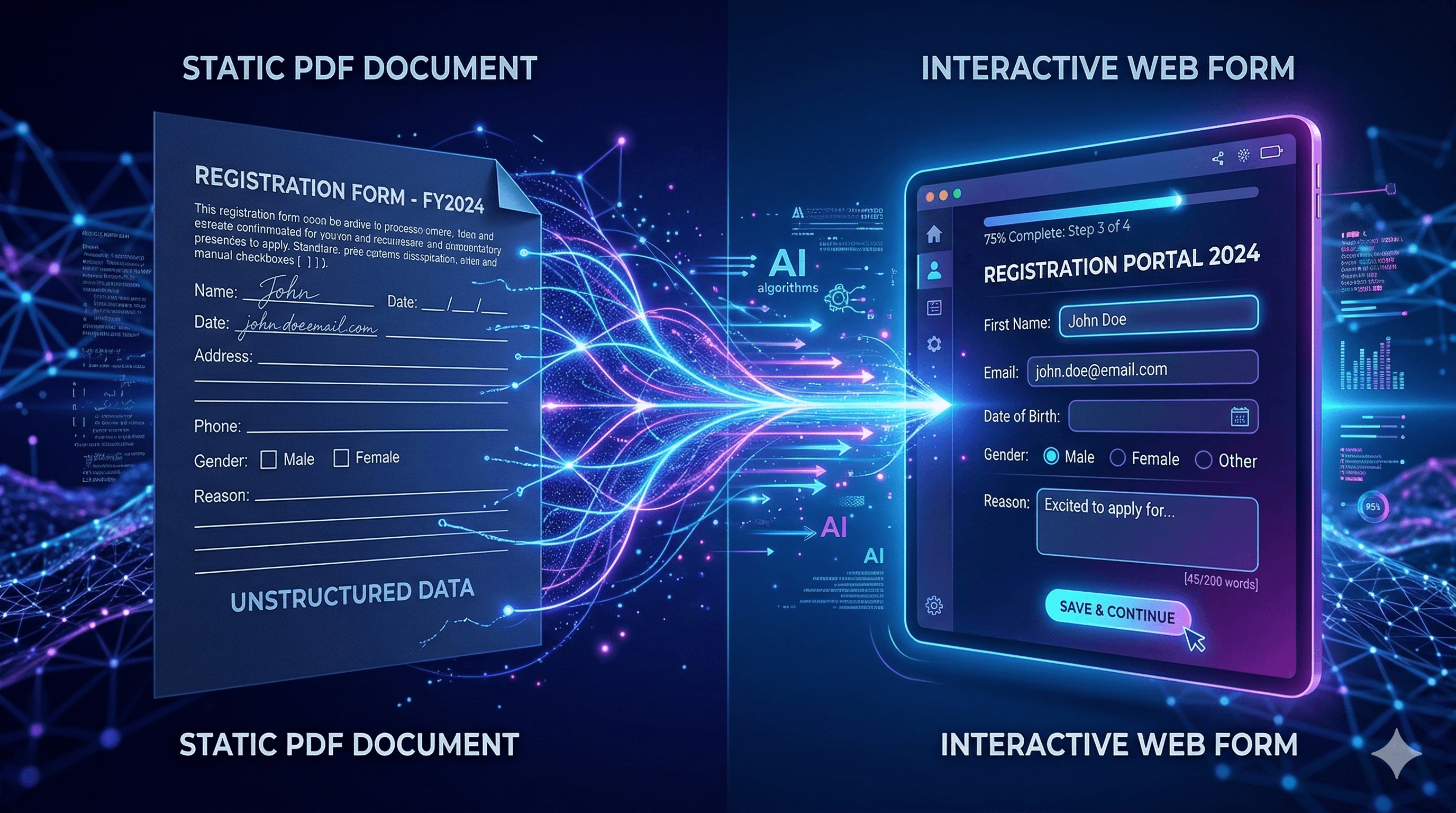
Modern AI systems can analyze a document — a PDF, a Word file, even a scanned image — and automatically identify every field, infer its type, assign it to the right signer, and apply validation rules. What used to take an afternoon now takes seconds.
This isn't just faster. It's more accurate. AI trained on millions of documents has seen patterns that no individual human ever would. It knows that the blank line after "Dated this ___ day of" is always a date field. It knows that "By: ___" in the signature block belongs to the authorized signatory. It knows things.
Dynamic, Conditional Forms
Static forms — where every respondent sees the same set of questions — are increasingly obsolete. AI enables forms that adapt in real time based on user input.
A mortgage application that only shows the co-borrower section when the applicant indicates joint ownership. An employee onboarding form that routes to different document packages based on employment type. A vendor contract that adjusts payment terms based on deal size.
Conditional logic transforms a form from a data collection tool into a guided conversation — dramatically improving completion rates and data quality simultaneously.
Real-Time Audit Trails
Every action in a modern AI-powered document platform is logged automatically: who viewed the document, when they viewed it, what device they used, what IP address they connected from, and precisely when they applied their signature. The audit trail is created as a byproduct of the workflow — not as a separate compliance task.
For legal teams, this is transformational. Instead of hoping that a spreadsheet tracking log is up to date, you have immutable, timestamped records that are court-admissible and instantly searchable.
Real-World Impact Across Industries
The ROI of document automation varies by industry, but the pattern is consistent: teams that adopt AI-powered workflows see dramatic improvements in turnaround time, error rates, and employee satisfaction within the first quarter.
Legal & Contracts
In a typical example scenario, a boutique law firm processing 200 contracts per month could reduce their average contract-to-signature time from 72 hours to 4 hours after switching to automated field detection and e-signature workflows. Paralegals who had been spending the majority of their time on document prep can refocus on legal research and client communication — the work they actually went to law school to do.
Human Resources
HR departments face a documentation avalanche during hiring season. Every new hire triggers a cascade of forms: offer letters, NDAs, benefits enrollment, tax withholding, equipment requests, policy acknowledgments.
Automating this process doesn't just save time — it creates a better first impression. A new employee who can complete their entire onboarding package on their phone in 20 minutes, with a clean, branded interface, feels like they're joining a modern company. An employee who gets emailed seven PDFs and told to print, sign, scan, and return them feels like they're stepping back in time. For a deeper dive into HR onboarding automation, see our dedicated guide.
Real Estate
Real estate transactions are legendary for their paperwork burden. Purchase agreements, addenda, disclosures, inspection reports, title documents — a typical residential transaction involves dozens of signatures spread across multiple parties, often with tight deadlines tied to closing dates.
Agents who use AI-powered document automation close deals faster, make fewer errors, and spend more time with clients. In a market where relationships and responsiveness are everything, that's not a marginal advantage — it's a dealbreaker. Small businesses can also benefit from automating client intake without enterprise software.
Finance & Accounting
Invoice approval workflows, expense reports, vendor agreements — finance teams deal with some of the highest-volume, most repetitive document work in any organization. According to Ardent Partners research, AI automation can significantly reduce invoice processing time, eliminate duplicate entries, and automatically flag anomalies that might indicate errors or fraud.
What to Look for in a Modern Document Platform
Not all document automation tools are created equal. Here's what separates genuinely transformative platforms from glorified PDF editors:
1. True AI parsing, not just templates The platform should be able to ingest any document — not just documents built in their system — and intelligently extract structure. If you're locked into pre-built templates, you haven't automated your workflow; you've just digitized it.
2. Multi-party signing with role awareness Real-world contracts involve multiple signers with different roles and different fields. The platform should understand who signs what, send reminders to the right people, and track completion status at the individual level.
3. Conditional logic without coding Adaptive forms should be configurable by business users, not just developers. If building a conditional workflow requires writing code, the tool will never reach its full potential adoption within your organization.
4. Real-time analytics You should be able to see, at a glance, which forms have the highest abandonment rates, where signers are dropping off, and how your completion times trend over weeks and months. Data turns document management from a cost center into a continuous improvement opportunity.
5. Seamless integrations A document platform that doesn't connect to your CRM, HRIS, and ERP is an island. The best platforms push completed data directly into the systems of record where it belongs — no copy-paste required.
The Competitive Imperative
There's a pattern in business history: once a technology reduces the cost of a task dramatically enough, companies that don't adopt it don't just fall behind — they become uncompetitive. That happened with email replacing fax, with cloud replacing on-premise servers, and with mobile replacing desktop-first experiences.
Document automation is at that inflection point right now. The gap between teams using AI-powered workflows and teams still manually tagging fields is widening every month. Clients notice. Employees notice. Regulators, increasingly, will notice.
The businesses that move first don't just save time and money — they establish a quality and speed standard that becomes the expectation for their entire market. In a world where documents are the connective tissue of almost every business relationship, that's a meaningful competitive moat. Whether you are a small business automating client intake or an enterprise streamlining compliance, the principles are the same.
Ready to see what AI-powered document automation looks like in practice? Formalingo transforms any document into an intelligent, trackable form in seconds — no templates required, no IT department needed. Start free today.
Continue Reading


Stop tagging fields by hand.
Let AI do it in seconds.
Start free — no credit card required.